Default Username & Password List – All Router Brands
Default Username & Password List. When you buy a new router or any network device, it already has a username and password set by the manufacturer. These are called default credentials, and they are the same across thousands of devices of the same model.
The problem is that most people never change them. This guide breaks down the most common default credentials, where to find them, and what to do if they no longer work.
Default Username & Password List
🔒 Router Default Password Lookup
Instantly find the default username & password for any router. Access your router admin panel at 192.168.0.1
Common Default Router Credentials
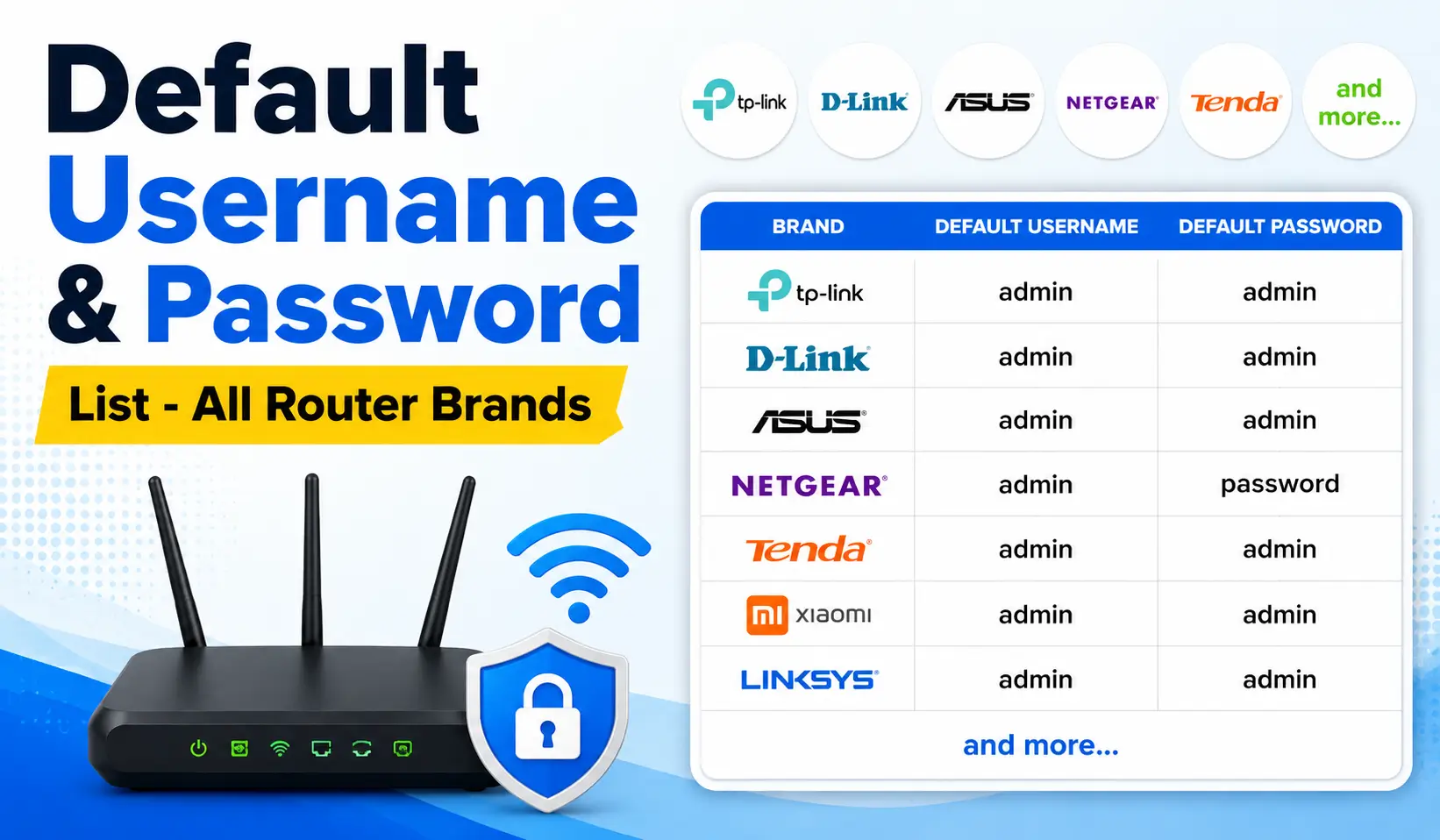
Most routers come with very similar login details right out of the box. Here are the default credentials for the most popular brands:
| Brand | Username | Password |
|---|---|---|
| Linksys | admin (or blank) | admin |
| Netgear | admin | password |
| TP-Link | admin | admin |
| ASUS | admin | admin |
| D-Link | admin (or blank) | admin (or blank) |
A few things worth knowing about these credentials:
- Almost every brand defaults to admin as the username
- Some devices like D-Link may have a blank username or password field
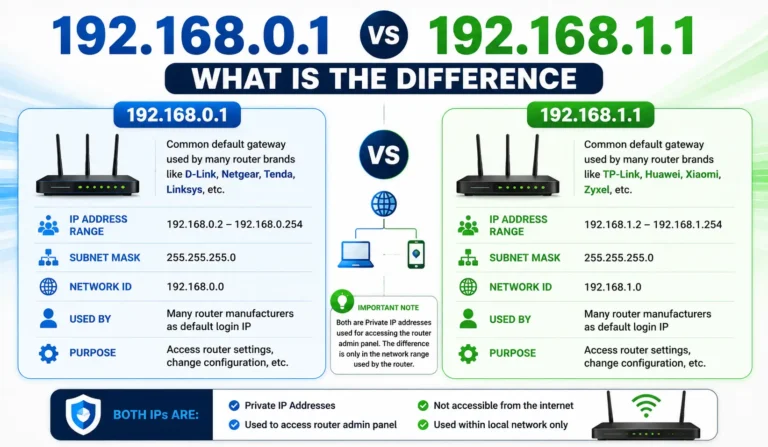
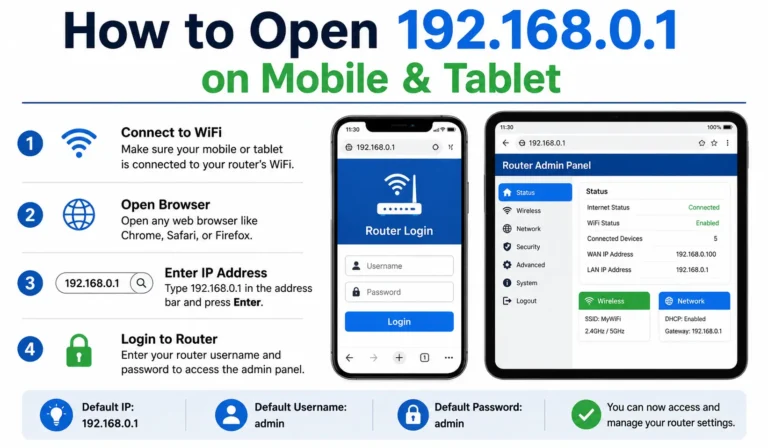
- These details are used to access the router’s web interface, usually through 192.168.1.1 or 192.168.0.1
- The credentials remain the same until you manually change them
Common Global Credentials
Beyond routers, many devices and systems share the same globally used default credentials. These are the most common ones found across all types of hardware and software:
Common Default Usernames
- admin
- root
- user
Common Default Passwords
- password
- 123456
- admin
- 1234
These combinations are dangerously predictable. They are the first entries tried in any brute force or dictionary attack. Using any of these as your active login is a serious security risk and leaves your device wide open to unauthorized access.
How to Find Your Specific Device’s Credentials
If the common combinations above do not work, here are the most reliable ways to find the exact credentials for your device:
- Check the device label: Flip your device over. There is almost always a printed sticker on the bottom or back that shows the factory-assigned username and password for that specific model.
- Read the documentation: The user manual or setup guide that came in the box will list the default login details. Manufacturers also host this information on their official support pages.
- Search a verified database: Websites like the Default Credentials Cheat Sheet on GitHub or the Router Network Default Router Database let you search by exact model number and find confirmed credentials quickly.
Note: If none of these work, the password has likely been changed at some point. Hold down the small reset button on the device for 10 to 15 seconds to restore it to factory defaults. This wipes any changed password and brings the device back to its original login credentials.